
Navigate the Move to Microsoft’s NEW Outlook with Confidence
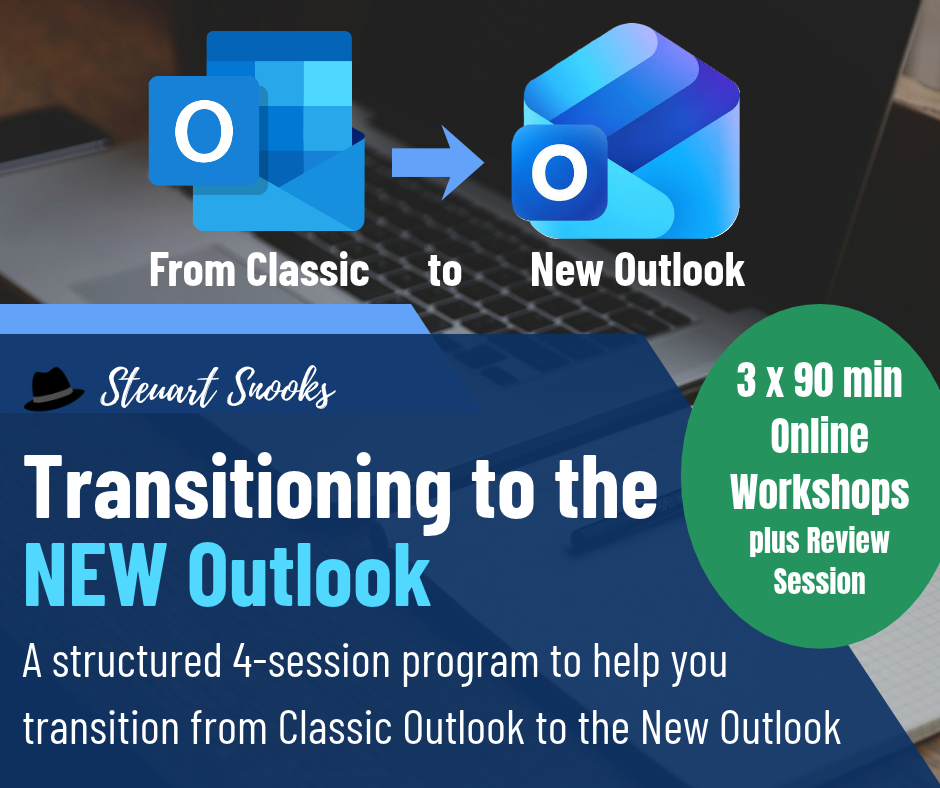
Microsoft’s NEW Outlook is changing the way professionals manage email, calendars and workflows. While the transition brings new features, it also introduces new ways of working that can impact your productivity if you’re not prepared.
That’s why we’ve created this practical 30-day coaching program—to help you confidently transition from Classic Outlook to the NEW Outlook while maintaining (and even improving) your productivity.
Rather than simply teaching you where the buttons have moved, this program focuses on helping you develop an efficient workflow in the NEW Outlook environment using proven productivity principles.
Learn from Two Industry Experts
This program is delivered by Steuart Snooks and Lori Byland, bringing together two unique perspectives.
Steuart Snooks

International Email Productivity and Workplace Productivity Expert.
For more than two decades, Steuart has helped executives, executive assistants and professionals transform the way they manage email, workload and time through practical productivity systems used by organisations around the world.
In his new book Triage Your Inbox, Steuart explains the critical importance of setting up the Triage Operating System for whatever version of email software you use. You can listen to his podcast interviews about the book by clicking here.
Lori Byland

Joining Steuart is special guest Lori Byland, an award-winning Executive Assistant and Microsoft Office Specialist and newly certified Microsoft MVP (Most Valuable Professional). She has worked closely with Microsoft product teams, giving them real-world feedback on how the NEW Outlook affects Executive Assistants, delegates and busy professionals.
Her insights have helped shape improvements to the NEW Outlook, and she has been involved throughout the transition. So she doesn’t just know where the buttons are. She knows why things changed, what’s still evolving and the practical workarounds that keep your inbox and calendar running smoothly.
Together, Steuart and Lori combine productivity expertise with real-world implementation experience to help you get the very best from the NEW Outlook.
Why This Program Is Different
Most Outlook courses teach features whereas this program teaches how to work productively inside the NEW Outlook.
By combining Steuart’s proven email productivity systems with Lori’s first-hand experience working alongside Microsoft’s evolving Outlook ecosystem, you’ll learn practical techniques that you can apply immediately.
Is This Program Right for You?
This program is ideal if you:
- You want practical guidance—not hours of trial and error
- Your organisation is transitioning to the NEW Outlook
- You’ve already migrated and feel frustrated
- You want to rebuild an efficient workflow quickly
- You’re an Executive, Executive Assistant, Business Owner or Professional who relies heavily on Outlook every day
Program Overview
Workshop 1 – Understanding the NEW Outlook
Become familiar with the new interface and understand what’s changed.
You’ll learn:
- What’s changed—and what’s still evolving
- NEW Outlook interface walkthrough
- Pinning vs Flagging
- Customise your setup
- Organise the inbox
- Manage Calendar events
Workshop 2 – Workflow in the NEW Outlook
Build a productivity workflow – not just an email system.
Topics include:
- The Zeigarnik Effect and cognitive overload
- Handle Each Email Once
- The 4D Decision Method
- Triage workflows in NEW Outlook
- Convert email tasks into calendar commitments
Workshop 3 – File and Folder Management
The transition to NEW Outlook is an ideal opportunity to clean up and rationalise your email folders.
You’ll learn how to:
- Reduce mailbox size
- Clean up folders
- Harness Search function
- Simplyify folder structure
- Use Archive folder with Categories
Coaching Session – Review & Implementation
Bring everything together with live coaching.
You’ll learn:
- Why your inbox isn’t a task manager
- Extracting disguised tasks
- Category naming frameworks
- Using your calendar as your single source of truth
- Live Q&A and troubleshooting
Included Resources
Your registration includes:
- Three live online workshops (90 minutes each)
- 30-day coaching program
- 30 days of coaching support
- Unlimited email screenshot coaching
- 30-day access to workshop recordings
- Classic vs NEW Outlook Cheat Sheets
- Triage 4D Decision Tree Framework
- Triage Your Inbox Operating System Cheat Sheet
Make the Transition with Confidence
Whether you’re preparing for the move or already using the NEW Outlook, this program will help you reduce frustration, develop efficient workflows and stay productive every day.
Register today on the link below and make the transition with confidence—not confusion.